BTC+ETH mode
In the indicator settings, select BTC+ETH mode#
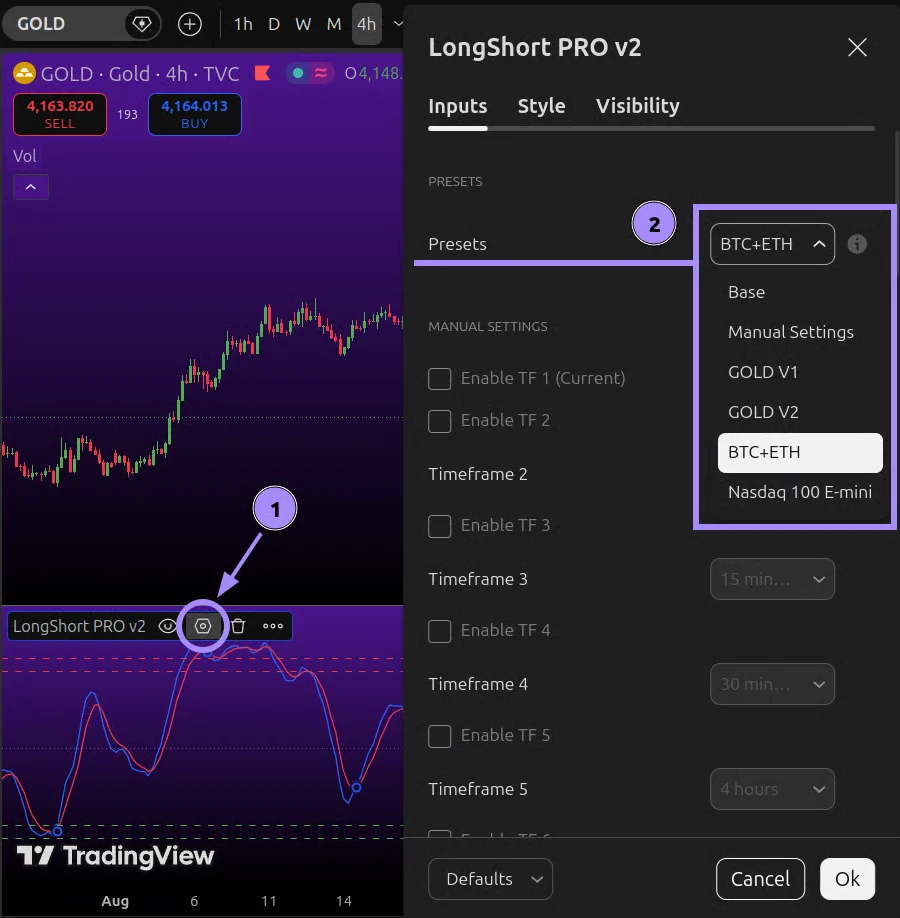
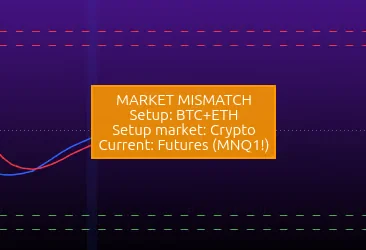
If a hint appears in the indicator pane, don't ignore it. Hints tell you when you're on the wrong timeframe or using the wrong indicator mode.
BTC#
Open the BTCUSDT asset in TradingView on a standard candlestick chart and select a timeframe from the supported list: 30s, 45s, 1m, 2m, 3m, 5m, 15m, 30m.
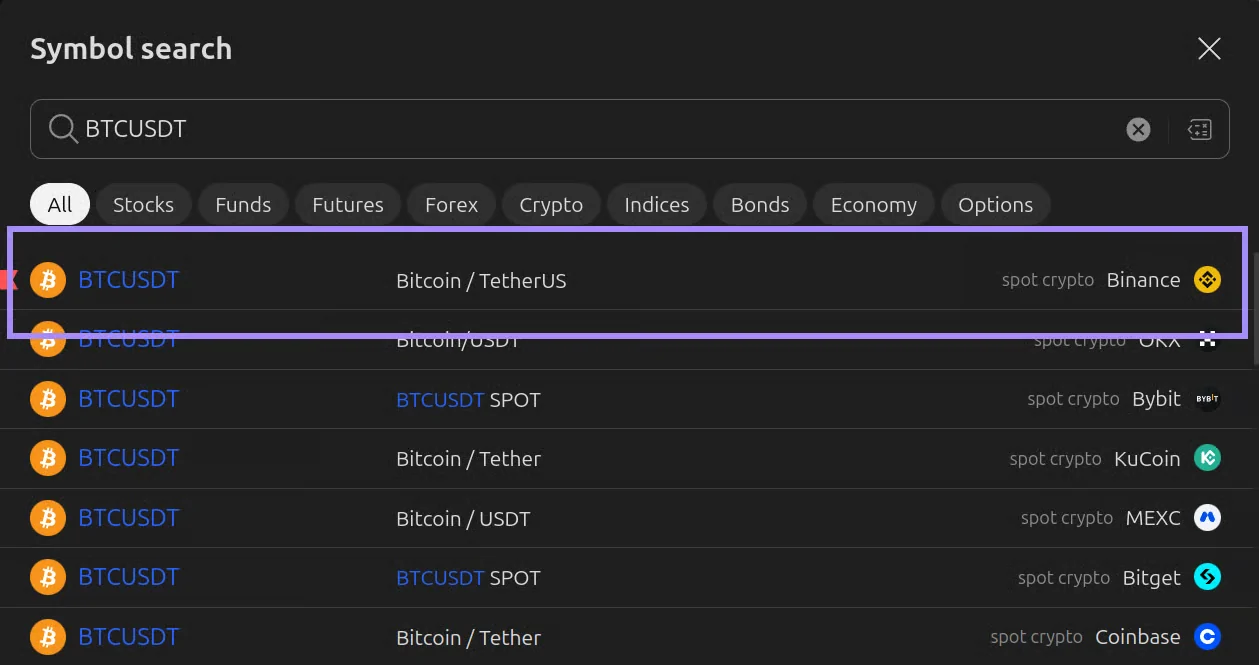
You can run the indicator on any exchange chart: it will adapt to the available data. However, testing was done on specific sources: TVC, MNQ, and Binance spot. The strategies perform most accurately on these, so it's best to choose them.
For BTC mode, "BTCUSDT spot Binance" is the preferred choice.
ETH#
Open the ETHUSDT asset in TradingView on a standard candlestick chart and select a timeframe from the supported list: 30s, 45s, 1m, 2m, 3m, 5m, 15m, 30m.
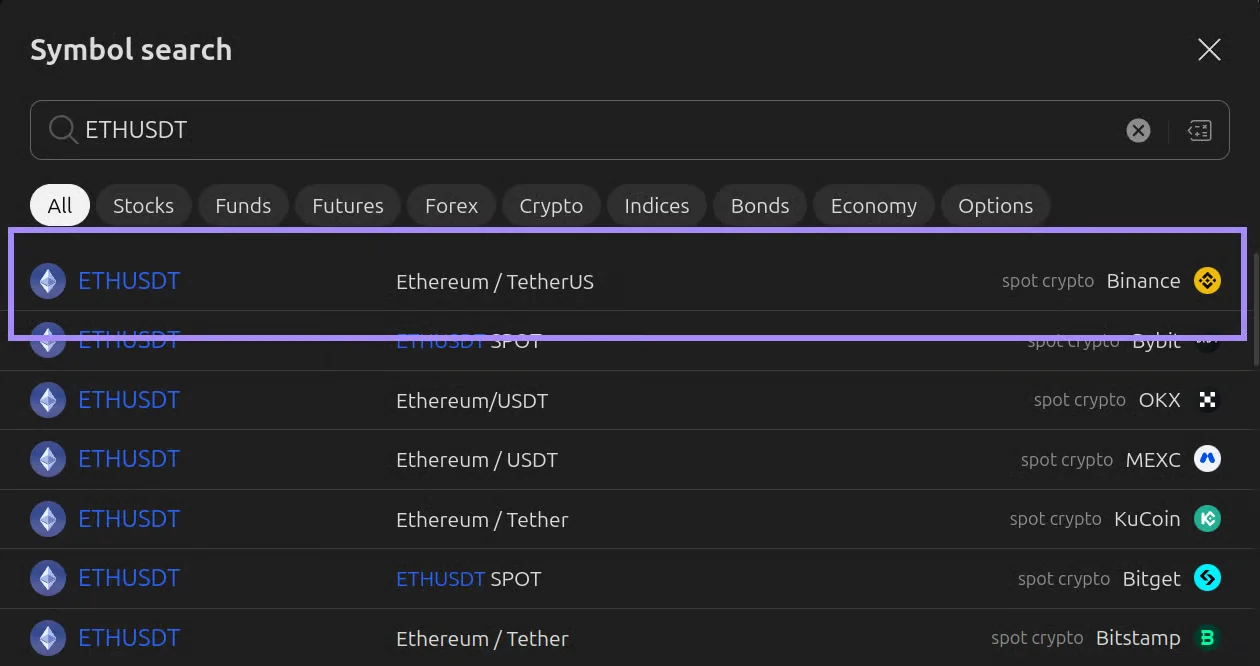
You can run the indicator on any exchange chart: it will adapt to the available data. However, testing was done on specific sources: TVC, MNQ, and Binance spot. The strategies perform most accurately on these, so it's best to choose them.
For ETH mode, "ETHUSDT spot Binance" is the preferred choice.